

Fulfillment Holds
An order is placed On Hold when a customer hasn’t yet accepted or declined all of their post-purchase offers, or if they closed the browser tab before making a decision. The hold exists as a buffer between order creation and fulfillment, ensuring the order isn’t processed before the customer has finished with their post-purchase offers. The hold is released automatically in the following situations:- The customer accepts or declines all post-purchase offers - the hold releases immediately.
- The customer’s offer timers run out all the way - the hold releases immediately.
- The customer closed the tab without deciding - the hold releases automatically after 60 minutes.
Release fulfillment holds from 1-click offers when offer timer ends
By default, if a customer closes their browser while on the post-purchase page, the order stays On Hold for 60 minutes before automatically releasing. When this setting is enabled, the hold release time is reduced to match the total duration of the funnel’s offer timers — the first offer’s timer plus the longest follow-up path through it (additional upsells, or the downsell). A single 10-minute upsell releases the hold after 10 minutes instead of 60; a 10-minute upsell followed by a 10-minute downsell releases it after 20.This setting only affects the release timing when a customer closes the browser mid-flow. If the customer accepts or declines all offers, or their timers run out, the hold releases immediately regardless of this setting.

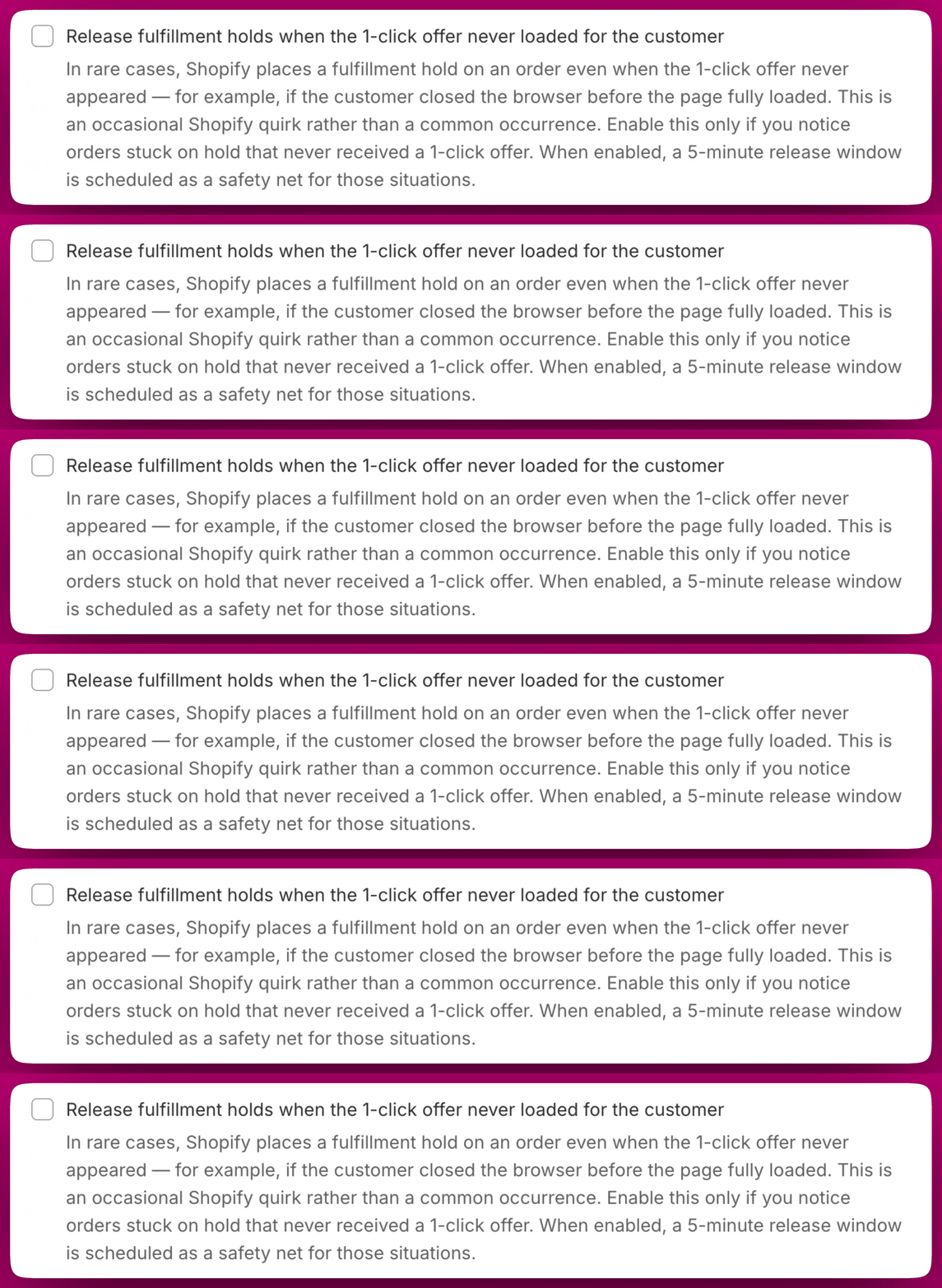
Release fulfillment holds when the 1-click offer never loaded for the customer
In rare cases, Shopify places a fulfillment hold on an order even when the post-purchase offer never appeared to the customer, for example if the customer closed their browser before the page fully loaded. This is an occasional Shopify quirk rather than a common occurrence. When enabled, a 5-minute release window is scheduled as a safety net for these situations, automatically releasing the hold on orders where no offer was ever shown. Only enable this if you are actively seeing orders stuck on hold that never received a post-purchase offer. It is disabled by default and is not needed for most stores.This setting is only available when Release fulfillment holds from 1-click offers when offer timer ends is enabled. If that setting is turned off, this option will be greyed out.
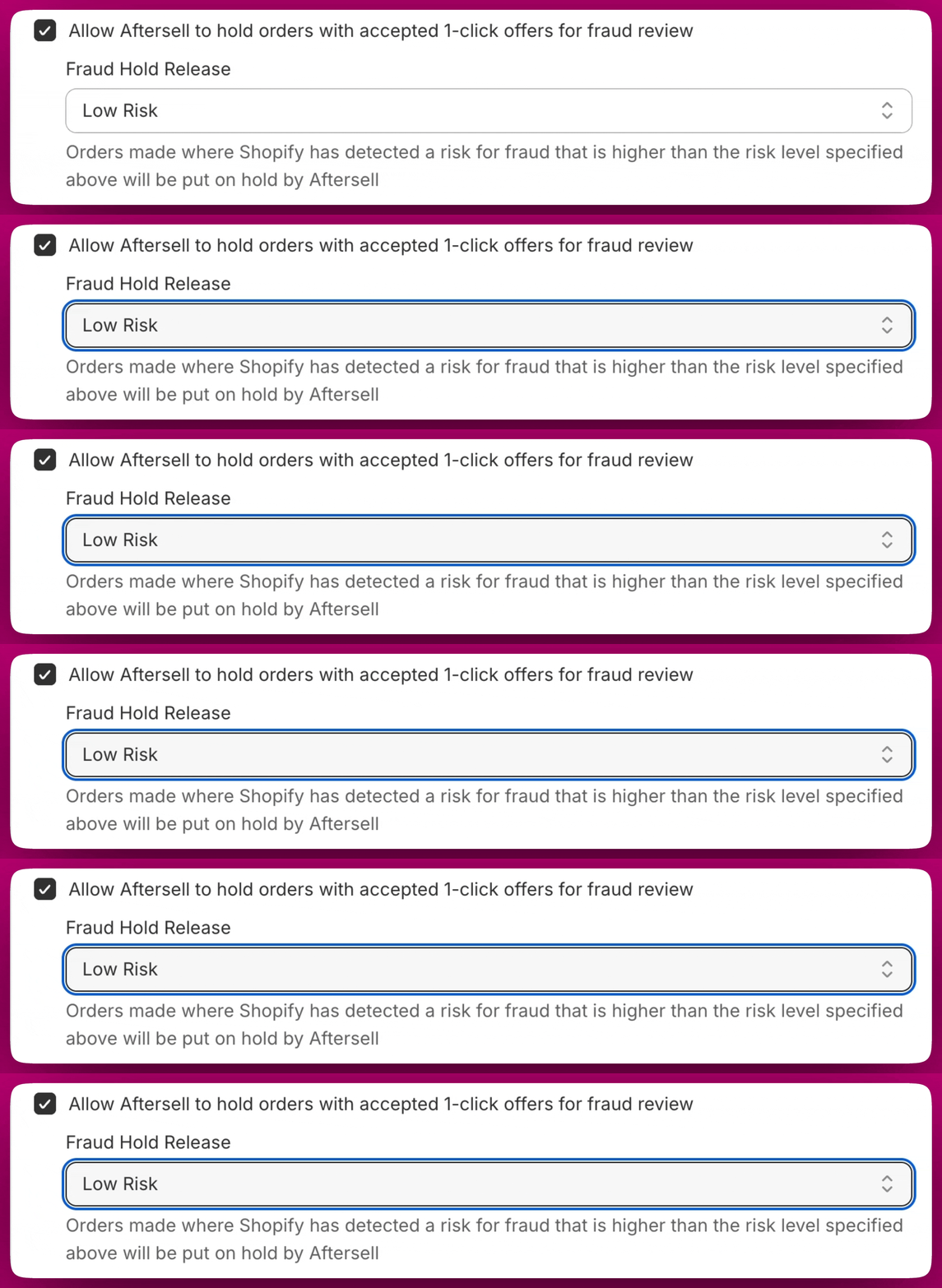
Allow Aftersell to hold orders with accepted 1-click offers for fraud review
When enabled, Aftersell will place a hold on orders where Shopify has detected a fraud risk above the level you specify. This gives you time to review potentially fraudulent orders before they are fulfilled. Fraud Hold Release You can set the fraud risk threshold using the Fraud Hold Release dropdown. The available options are:- Low Risk - Orders flagged as medium or high risk will be held for review
- Medium Risk - Only orders flagged as high risk will be held for review
- High Risk - No orders are held; this effectively disables fraud holds
Order routing
Re-run order routing on Aftersell upsells
When an upsell is added to an order after checkout, Shopify creates a separate fulfillment for it, and that fulfillment can be assigned to a different location than the original order — a split fulfillment. When this setting is enabled, Aftersell asks Shopify to re-apply your store’s order routing rules to any fulfillment that contains only Aftersell upsells, once its hold is released. A common use is to put “minimize split fulfillments” first in your routing priority, so the upsell is more often shipped together with the rest of the order.This setting needs the merchant-managed fulfillment orders and third-party fulfillment orders write scopes. Until Aftersell has them the checkbox is greyed out — you can’t turn it on to trigger the request. Grant them from the additional-permissions banner on the page using its Update App button, and the checkbox becomes available.
Partially Paid
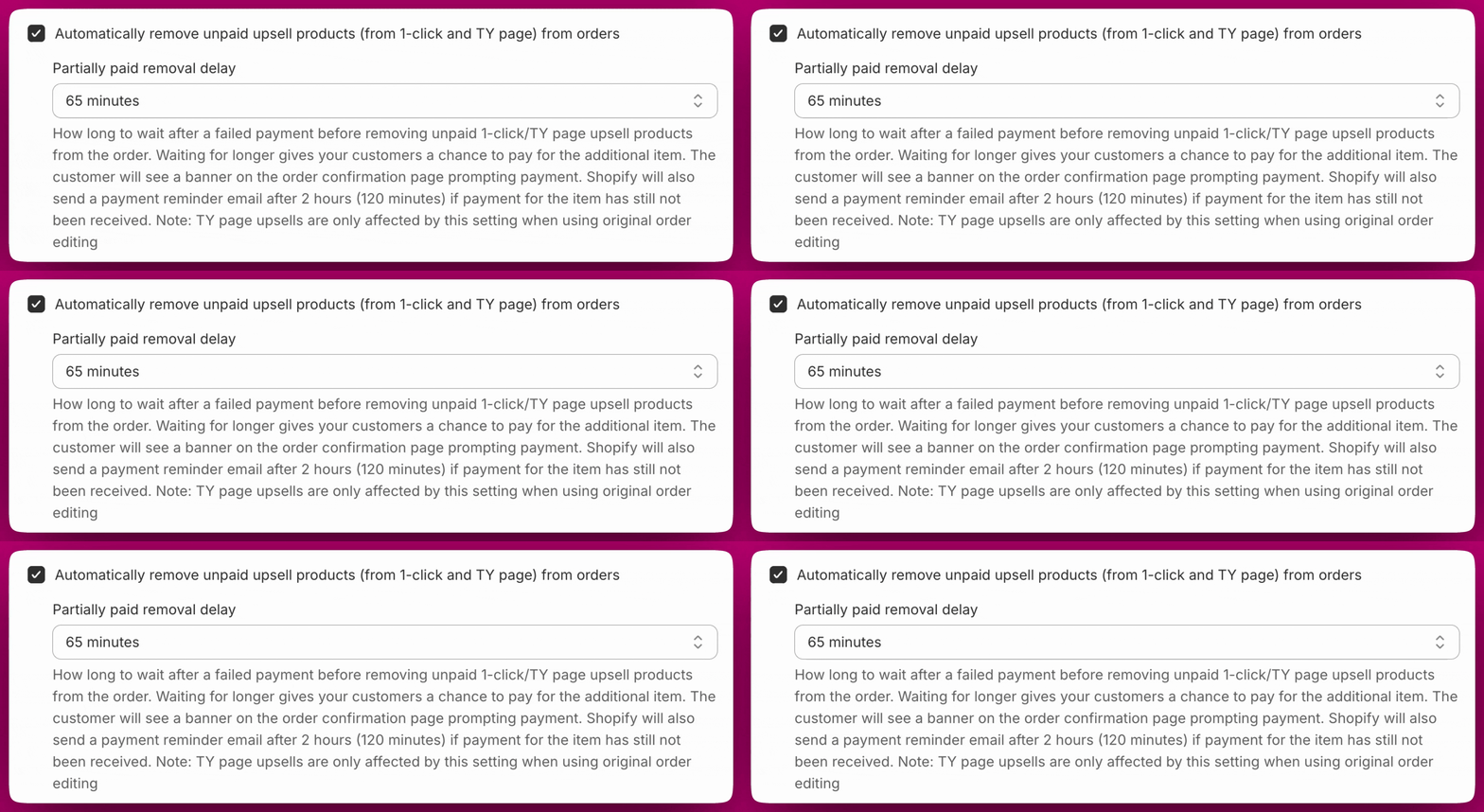
A partially paid order can occur in two ways depending on the upsell type: Post-purchase upsells If a customer accepts a post-purchase upsell but the payment fails, the upsell item is still added to the order. The original items are paid for but the upsell item payment was not processed, resulting in a partially paid order. Thank You Page upsells When a Thank You Page upsell is configured to use “Modify original order”, the item is added to the original order as soon as it is accepted. However, the customer still needs to complete a separate checkout to pay for it. If they exit without completing payment, the order becomes partially paid since it now contains an item that has not been paid for. The settings below control how Aftersell handles these situations automatically. For a full explanation of partially paid orders and how to resolve them, see Partially Paid Orders.Automatically remove unpaid 1-click and thank you page upsell products from orders
When enabled, Aftersell will automatically remove unpaid upsell products from partially paid orders after a set delay if payment has not been collected. This prevents unpaid items from being accidentally fulfilled and shipped. Partially paid removal delay Controls how long Aftersell waits after a failed payment before removing the unpaid item from the order. The default is 65 minutes.- Waiting longer gives customers more time to pay.
- Customers see a payment prompt on the order confirmation page, and Shopify emails a reminder after 2 hours.
- Thank you page upsells are only removed when the offer uses “Modify original order”, not when it creates a separate draft order.
Thank you page upsells are only affected by this setting when the offer is configured to use “Modify original order”. Offers that create a separate draft order are not affected.
Add ‘AfterSell Upsell’ tag when payment is confirmed
By default, theAfterSell Upsell tag is added to an order as soon as an upsell is accepted, regardless of whether payment succeeds.
When this setting is enabled, the tag is only added after payment for the upsell is successfully confirmed. This prevents orders from being incorrectly tagged when the upsell payment fails.
When to enable this: Enable this if you use the AfterSell Upsell tag to trigger workflows, reports, or fulfillment logic and want to ensure only successfully paid upsells are tagged.
The tag is written as
AfterSell Upsell, with a capital S. If you are matching on it in a Shopify Flow condition or a saved order search, use that exact spelling.
Want to go further?
- Fulfillment - understand how post-purchase fulfillment holds work and how to integrate with 3PL services
- Partially Paid Orders - a full guide to handling partially paid orders
- Potential Workarounds for Fulfillment Flow Issues - solutions for fulfillment problems with external services
- Manual Payment Capture - manage how and when payments are captured for post-purchase upsells