

Yotpo-Integration einrichten
- Lade die Yotpo-App im Shopify App Store herunter
-
Tippe in der Yotpo-App auf das Profilsymbol oben rechts auf dem Bildschirm und wähle dann
Account Settings > General Settings. Du findest deinen App Key am Ende des Abschnitts General Settings: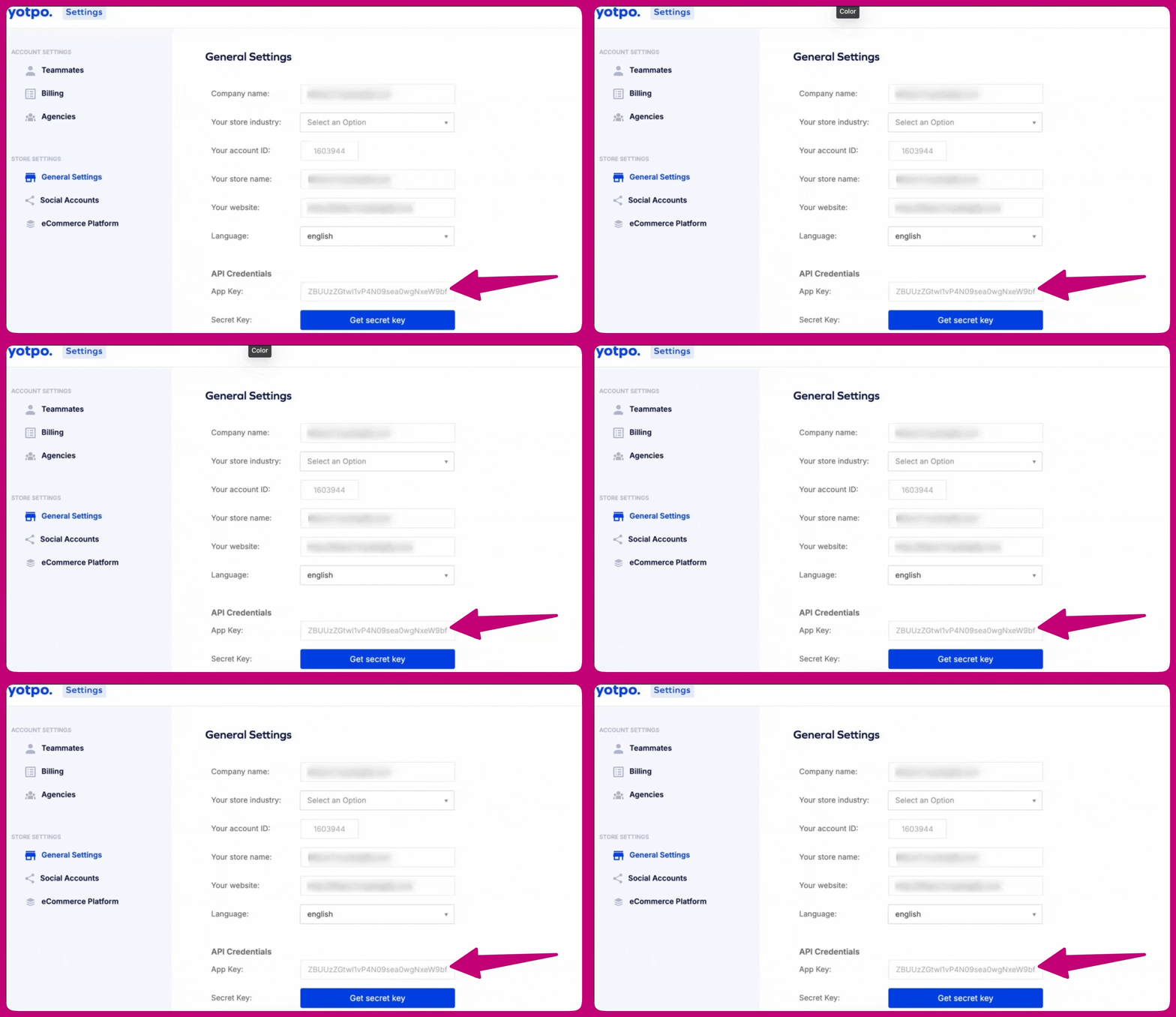
- Weitere Informationen findest du hier
-
Öffne die Aftersell-App und gehe dann zu
Settings > Product Reviews - Wähle Yotpo aus der Liste der Bewertungsintegrationen aus
- Füge deinen App Key in das Feld Yotpo app key ein
- Klicke auf Save changes
Bewertungen synchronisieren
- Gehe zu
Settings > Product Reviews - Suche den Abschnitt Yotpo reviews
- Klicke auf Sync now