

Payment method
The default payment method for Rokt Thanks payouts is PayPal. Simply enter your PayPal email, and you’ll receive payments once your generated revenue reaches the $100 payment threshold for each payout period. Please note that PayPal applies a 4% processing fee, which is deducted from your payout amount. For more information on payments, see our documentation.- If you have previously added a PayPal account email for payouts and would like to change it, please email the Rokt Finance team at ap@rokt.com.
Traffic allocation
Use the slider to configure the allocation of traffic that will see Rokt Thanks on your confirmation page.
- The customer is from an unsupported geography.
- The customer’s browser settings are using an unsupported language.
- There are no relevant offers to be displayed based on the available advertisers and the allowed vertical/sub-vertical categories. To ensure the maximum number of advertisers are available, it is recommended that only the necessary verticals or sub-verticals are blocked.
Aftersell settings
Skip storewide popup timer widget if Rokt content is available to be shown. If Rokt Thanks has content to show and a funnel with a storewide popup has also been triggered, this setting ensures that the Rokt content will be shown instead of the storewide popup. If this is unchecked, then the storewide popup will be favoured instead.- This is currently available only on the Thank you page scripts approach.
Order tagging
On the Thank you page scripts integration, Aftersell applies the Shopify order tagAfterSell Network Offer to any order where the customer accepted a Rokt Thanks offer. This lets you segment and filter those orders in Shopify.
- There is no setting for this — tagging is always on for that integration.
- Only accepted offers are tagged. An order where the placement was shown but not engaged with is not tagged.
- Only orders going forward are tagged — existing orders are not backfilled.
Offer control
Our machine learning algorithms ensure that you show the most relevant and engaging offers to each individual. In addition, you have full control over which offer categories to show to your customers.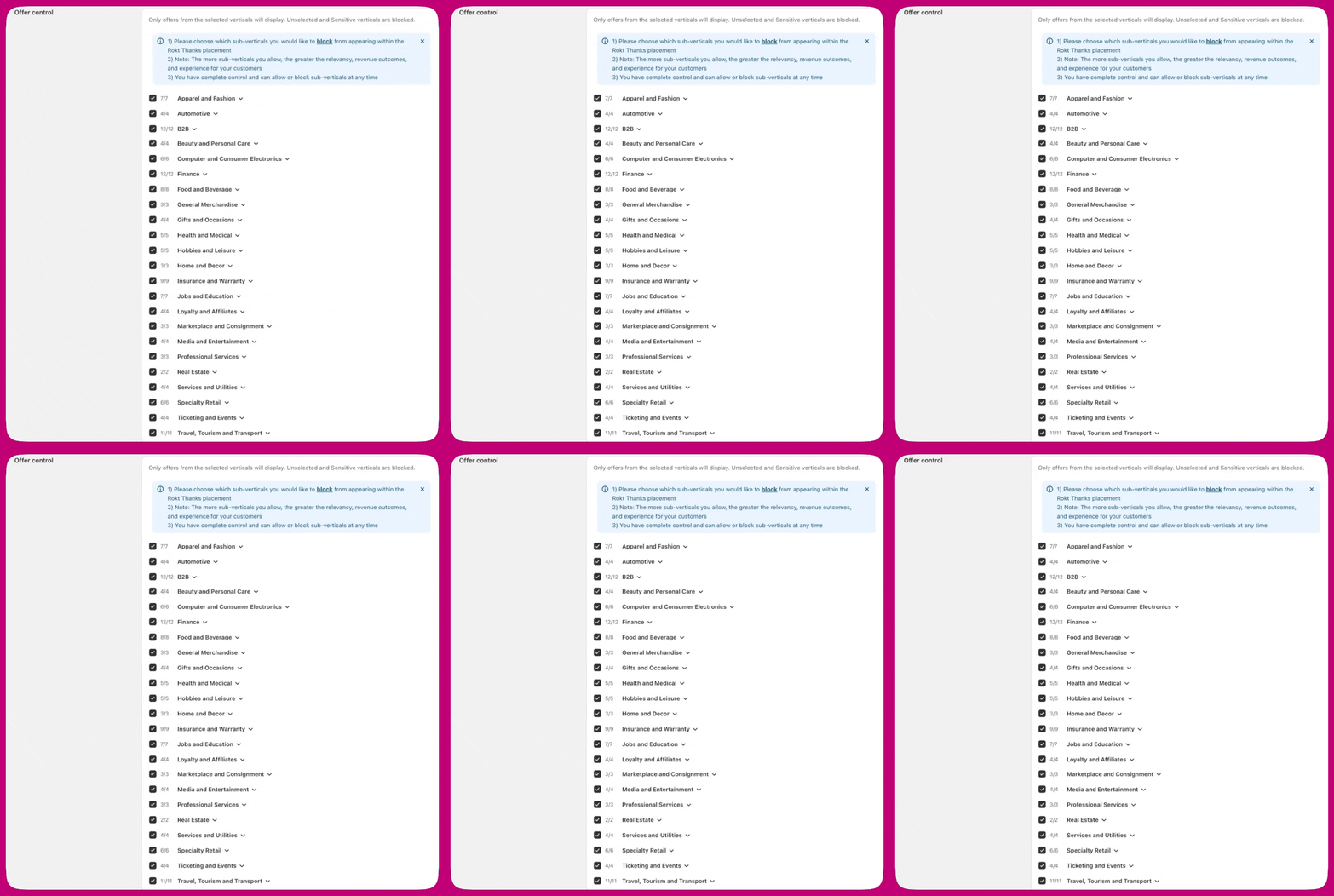
Managing verticals
The offer control section includes two tabs:- Verticals - Standard industry categories that are available by default
- Growth verticals - Categories that may be legally or culturally sensitive (e.g., cryptocurrency, dating, fantasy sports, sports betting, paid cashbacks and rewards programs, charities)
Block advertisers
To block offers from particular advertisers:- Enter their domain name(s) in the Block competitors field.
- Select Block.