

设置 Yotpo 集成
- 在 Shopify App Store 中下载 Yotpo 应用
-
在 Yotpo 应用中,点击屏幕右上角的个人资料图标,然后选择
Account Settings > General Settings。你可以在 General Settings 部分底部找到你的 App Key: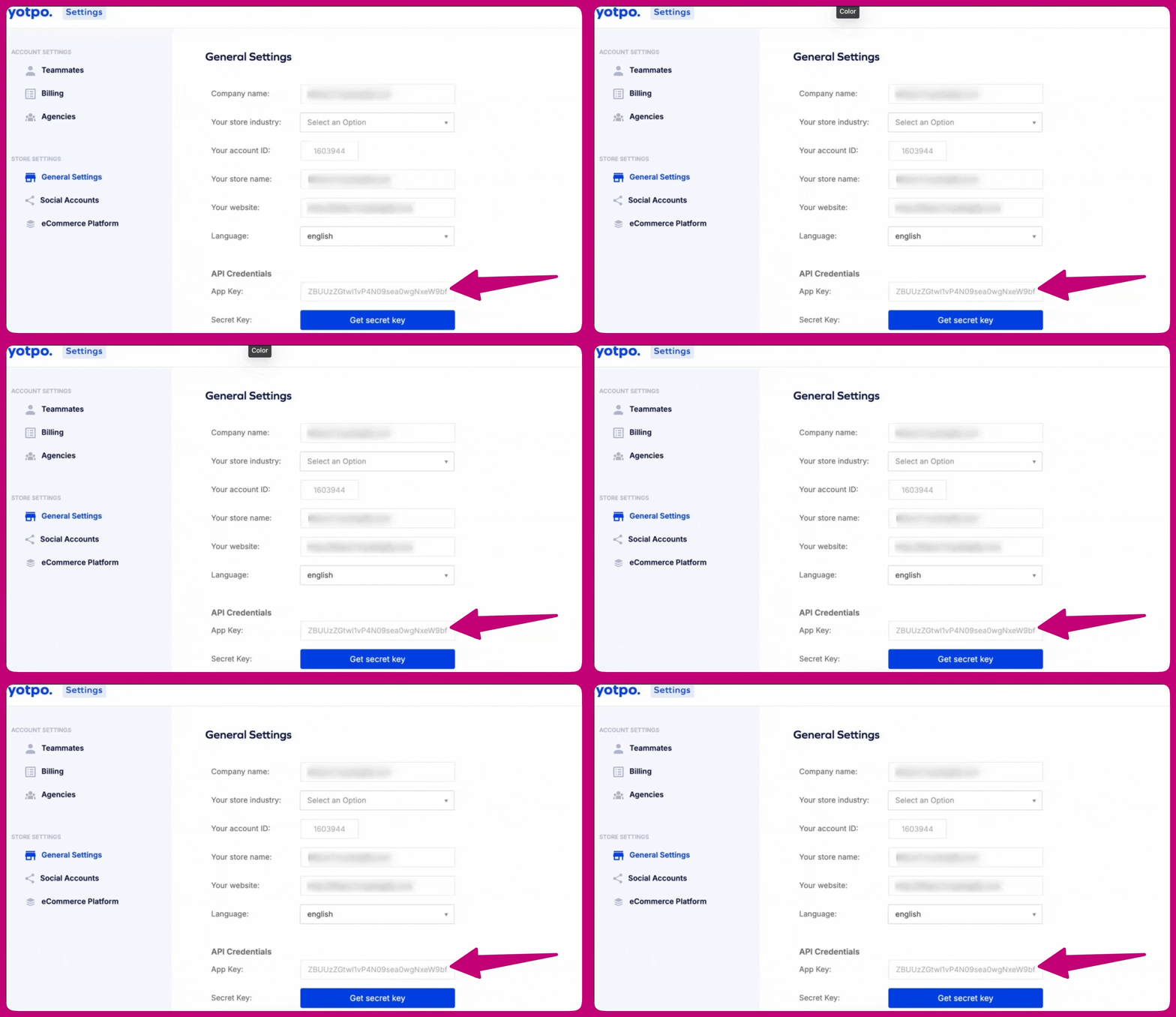
- 如需更多信息,请点击此处
-
打开 Aftersell 应用,然后进入
Settings > Product Reviews - 在评价集成列表中选择 Yotpo
- 将你的 App Key 粘贴到 Yotpo app key 字段中
- 点击 Save changes(保存更改)
同步评价
- 进入
Settings > Product Reviews - 找到 Yotpo reviews 部分
- 点击 Sync now(立即同步)