⚠️ Important notice This customization only works with Version 1 of the Upcart cart modules. If you recently upgraded your cart to Version 2, these customizations may not work. You will need to use the new selectors provided for Version 2 in the migration guide. If your customizations are not working as expected, you can also revert your cart back to Version 1 instead of using Version 2. We are currently working on new customization templates for Version 2 of the modules, and they will be available soon.Documentation Index
Fetch the complete documentation index at: https://docs.aftersell.com/llms.txt
Use this file to discover all available pages before exploring further.
Overview
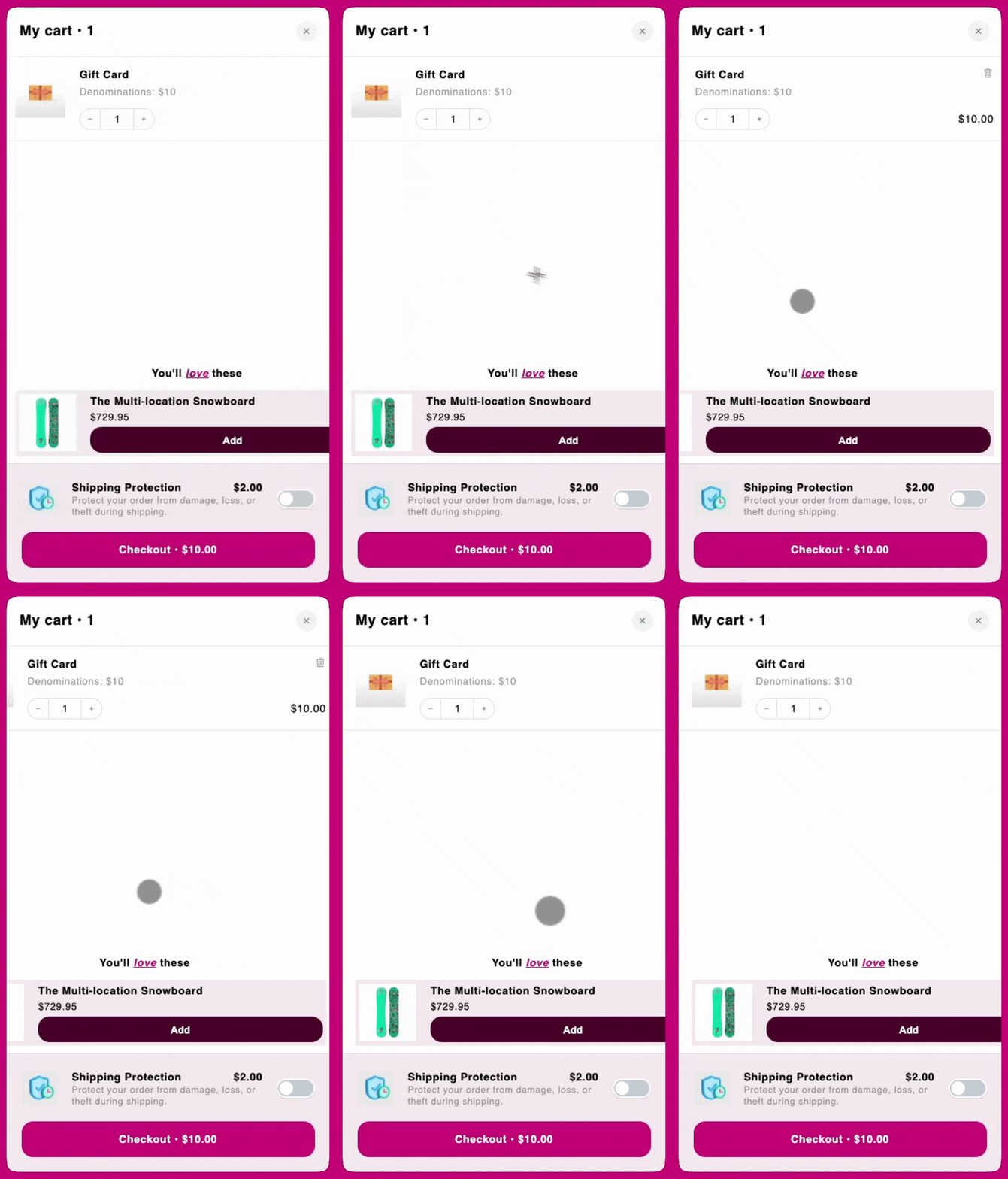
On certain mobile devices, users might be able to scroll the Upcart horizontally, exposing an unintended white space on the right. This usually occurs when a child element within the cart exceeds the viewport width or disrupts the layout’s natural constraints, resulting in horizontal overflow.