

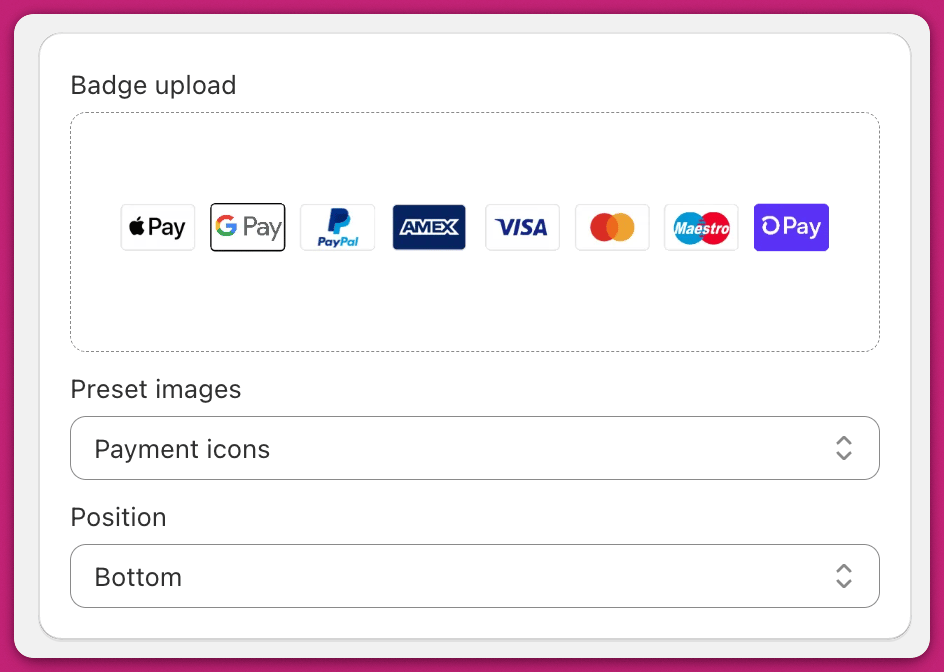
Preset Images
Use the dropdown to apply built-in options like Payment Icons. To customize this preset, save the image, edit it in your preferred design tool, and upload it as a new custom badge. Using the built-in Trust Badge module is preferred over custom HTML for simpler styling and reduced conflicts.Custom Badge Upload
Drag and drop or click the image box to upload your own trust badge. Your image will automatically scale to fit the cart width. This feature is available within the Upcart app’s Trust Badge module, offering an integrated solution for badge uploads.Recommended dimensions:
- 1037 × 94 px, or 1000 px wide minimum for best quality
- Any image format your browser can upload, including PNG, JPEG, GIF (including animated) and WebP — Upcart’s own Payment icons preset is a WebP
PNG is preferred for clarity and transparency.