Overview
The cart position setting allows you to control whether Upcart slides in from the right or left side of the screen. This is especially useful for stores that use right-to-left languages, or that want to match specific visual layouts.How to Set the Cart Position
In the Cart Editor → Settings → Cart settings tab, you’ll find a dropdown labeled Cart position. You can choose:- Slide from right (default)
- Slide from left
Slide From Right
This is the default setting for most stores. The cart drawer slides out from the right-hand side of the screen on both desktop and mobile.Desktop Example:
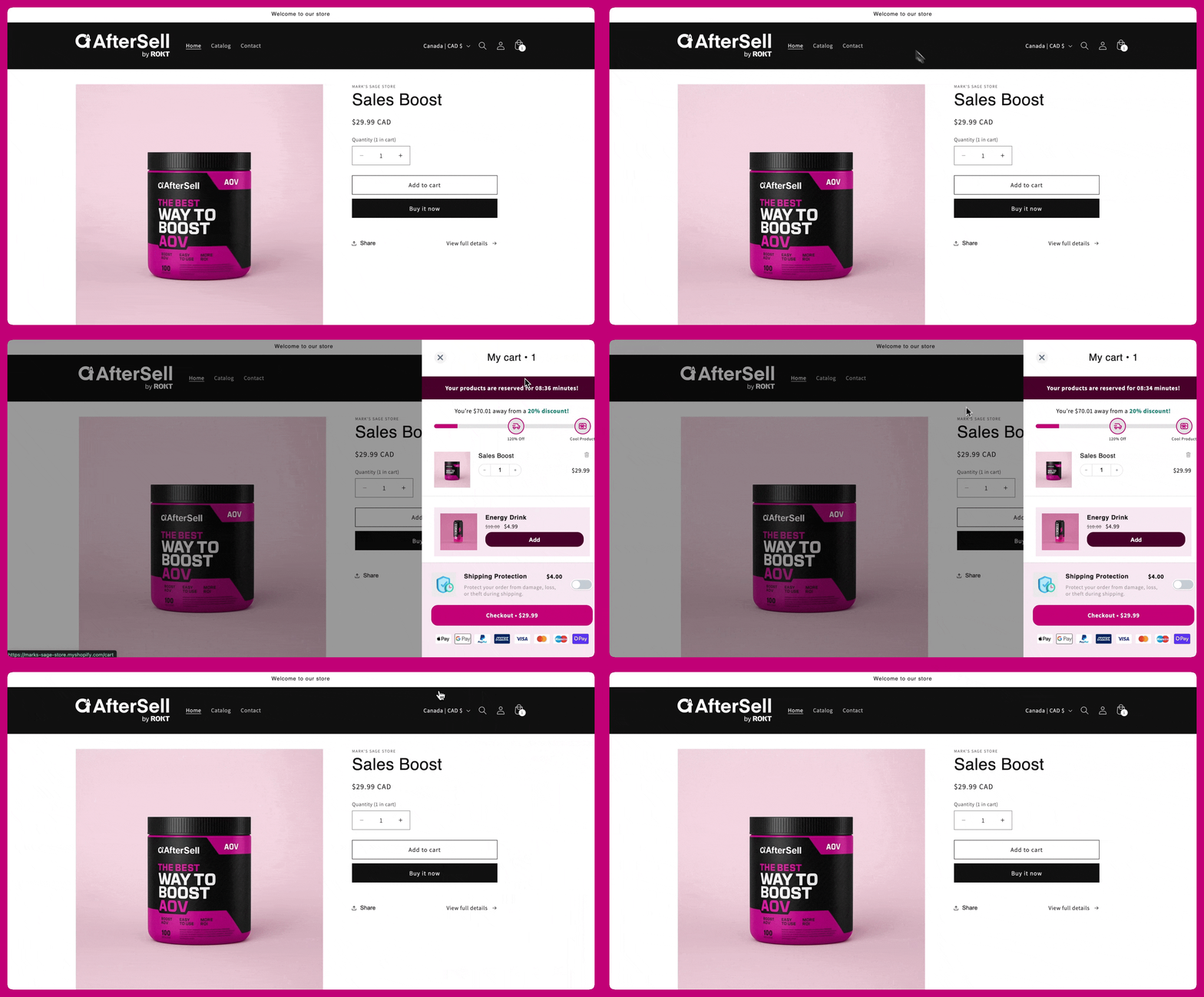
Mobile Example

Slide From Left
If your store layout or customer base benefits from a left-aligned cart, you can switch the position. The cart will then slide in from the left side of the screen.Desktop Example
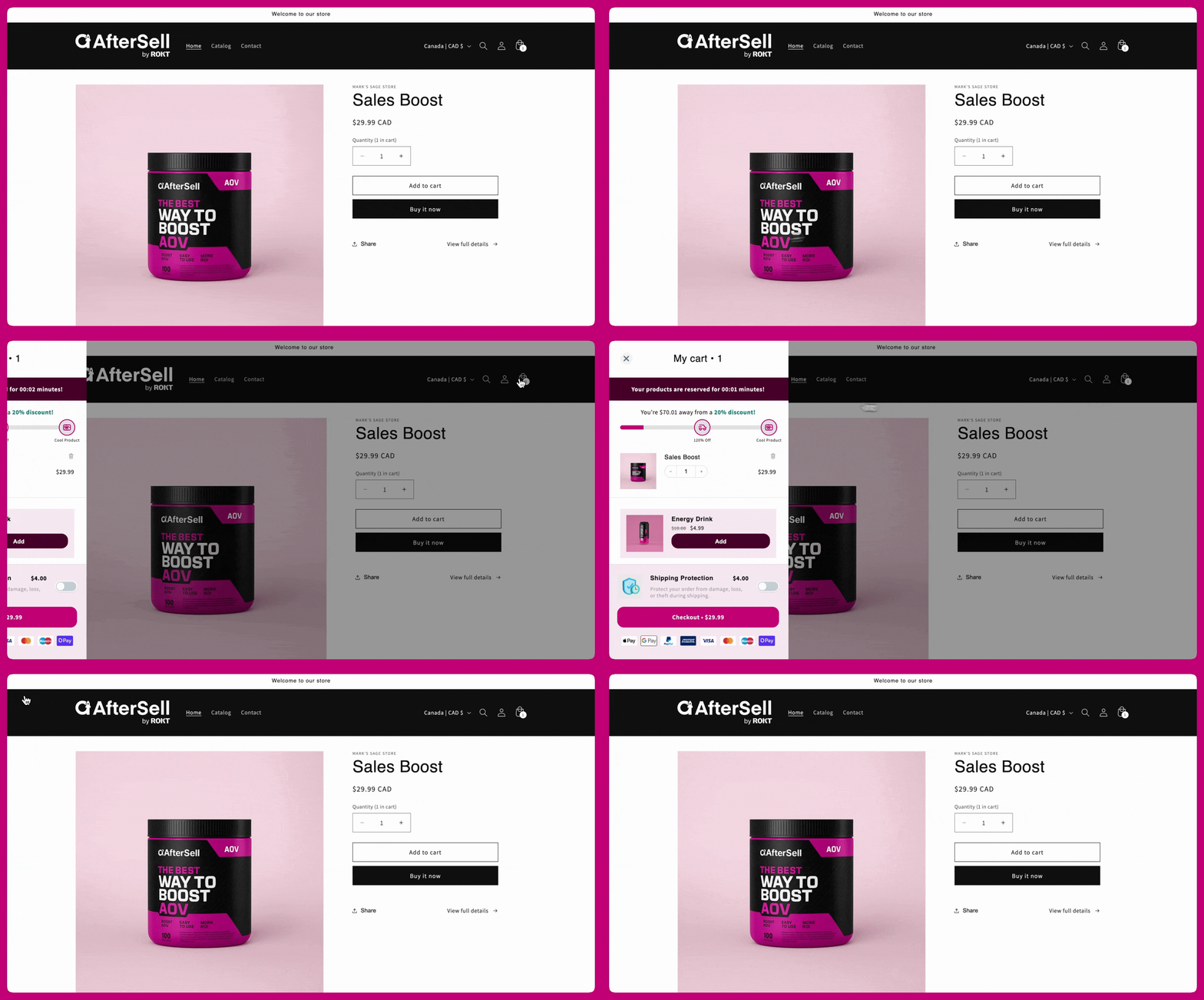
Mobile Example