

Overview
If you’re experiencing an issue where the carousel arrows are missing in Upcart’s upsell module, it’s usually due to a compatibility issue with your store’s theme. To resolve this, you can manually add the arrows by applying a customization using custom HTML in Upcart’s editor settings. To access the custom code fields in Upcart: Cart Editor > Settings, then the Custom HTML and Custom CSS tabs. Settings is a row of tabs — anything that doesn’t fit sits behind More settings.HTML
For this fix, open the HTML dropdown menu and select “Scripts (before load)”, then paste the following code into that section:Legacy note:
window.upcartOnCartOpened callbacks still work but are deprecated and log console warnings. Use upcartSubscribeCartOpened for all new scripts.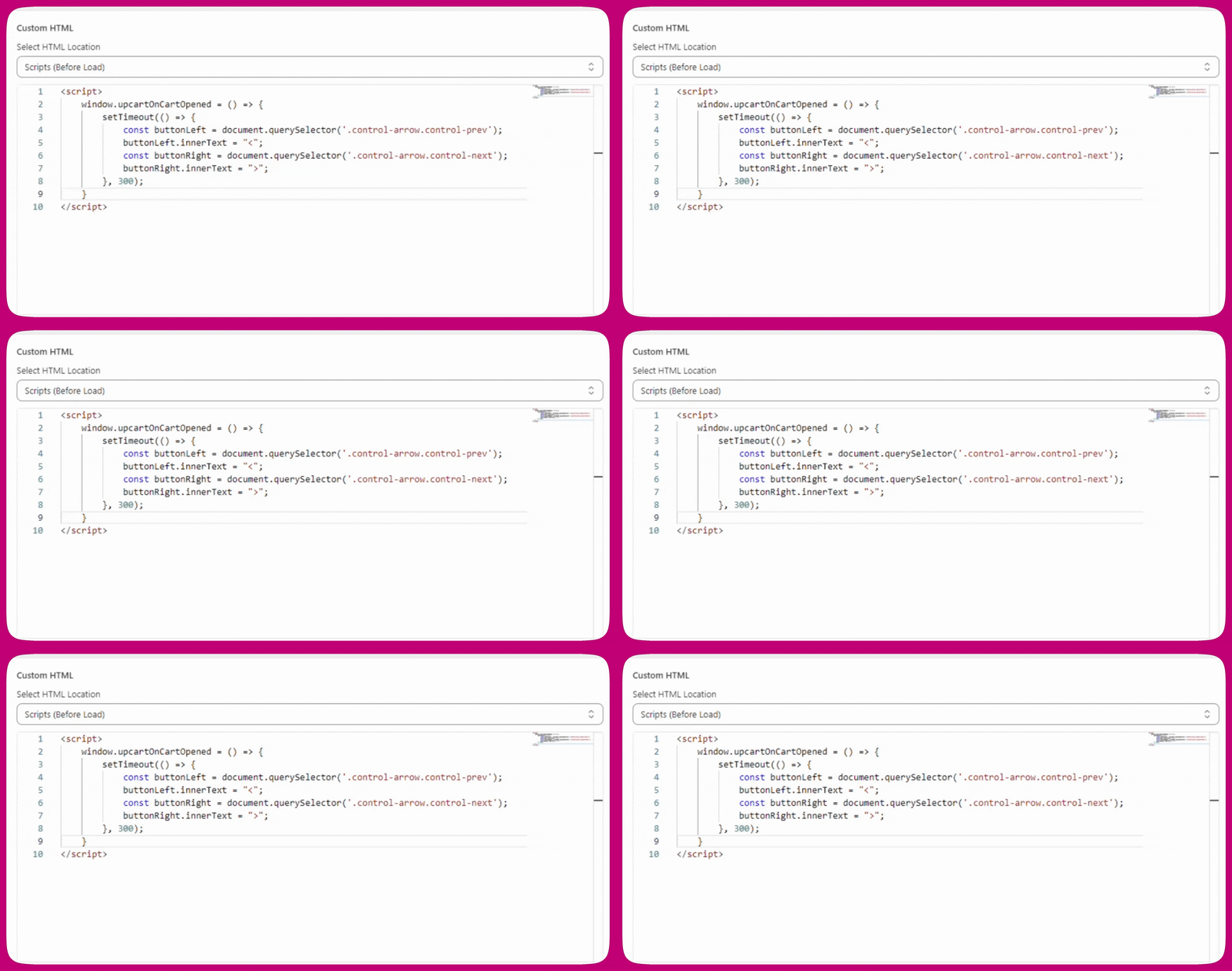
CSS
If you’re still having issues with the position of the carousel arrows, try applying the following CSS fix:Explanation
We often use CSS pseudo-elements (::before) that are contained inside the buttons to display the carousel arrows. However, some store themes choose to block the rendering of pseudo-elements, which causes the carousel arrows to disappear from the cart drawer.
This creates an issue where the upsell carousel arrows appear correctly in the editor preview but not on the actual live storefront.