> ## Documentation Index
> Fetch the complete documentation index at: https://docs.aftersell.com/llms.txt
> Use this file to discover all available pages before exploring further.
# Upcart x Shopify bundles
> 本文介绍 Upcart 与 Shopify Bundles 应用的兼容性。
## 概述
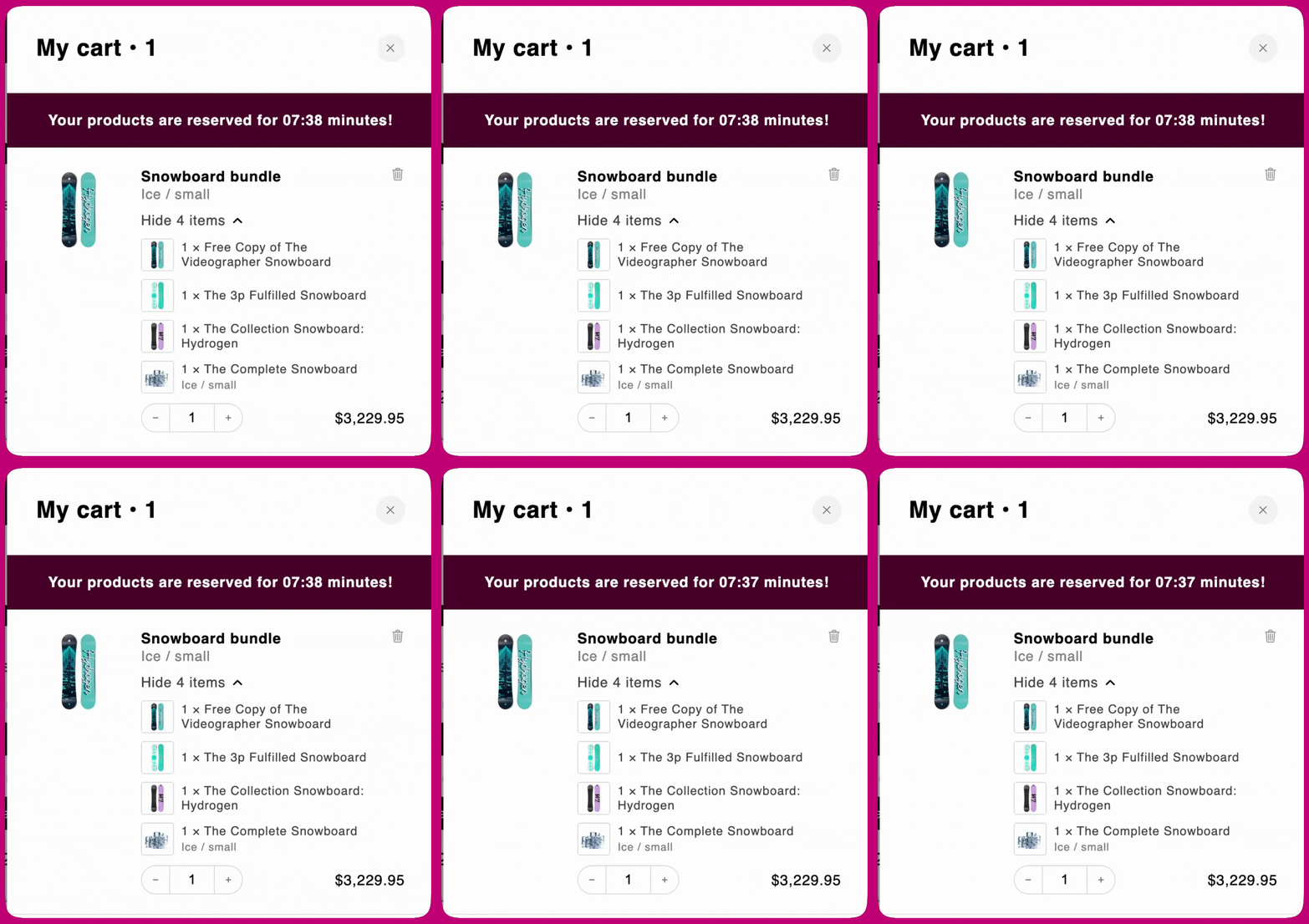
**Shopify Bundles** 是 Upcart 完全支持的捆绑管理应用。无需任何额外配置,你的顾客即可直接在 **Upcart 购物车弹窗**中查看并操作通过 Shopify Bundles 创建的捆绑详情。
所有捆绑都会自动显示,并按照在 Shopify 中的配置展示其内容和定价。
 ***
***
## 最佳实践
为确保捆绑在 Upcart 中正确显示和运行:
* 在 Shopify 中保持启用**捆绑可见性**,以便产品能够显示在购物车中。
* 确认已在 Shopify Bundles 中正确设置**捆绑定价和库存跟踪**。
* 在发布之前先在\*\*草稿主题(Draft theme)\*\*中测试你的捆绑设置,确认其在 Upcart 中按预期显示。
遵循这些最佳实践有助于保持产品数据的准确性,并为你的顾客提供顺畅的购物体验。
***
如果你在此过程中遇到任何问题,请联系 Upcart 支持团队。