> ## Documentation Index
> Fetch the complete documentation index at: https://docs.aftersell.com/llms.txt
> Use this file to discover all available pages before exploring further.
# 修复 Upcart upsell 模块 V1.0 中缺失的轮播箭头
> 本文介绍当轮播箭头在编辑器预览中正常显示但在已上线店面上缺失时如何修复。
# 概述
如果你遇到 Upcart upsell 模块中轮播箭头缺失的问题,通常是由于与商店主题的兼容性问题造成的。
要解决此问题,你可以在 Upcart 的编辑器设置中使用自定义 HTML 应用自定义代码,手动添加箭头。
**在 Upcart 中访问自定义代码字段:**
**Cart Editor** > **Settings**,然后是 **Custom HTML** 和 **Custom CSS** 选项卡。Settings 是一排选项卡——放不下的内容位于 **More settings** 之后。
***
## HTML
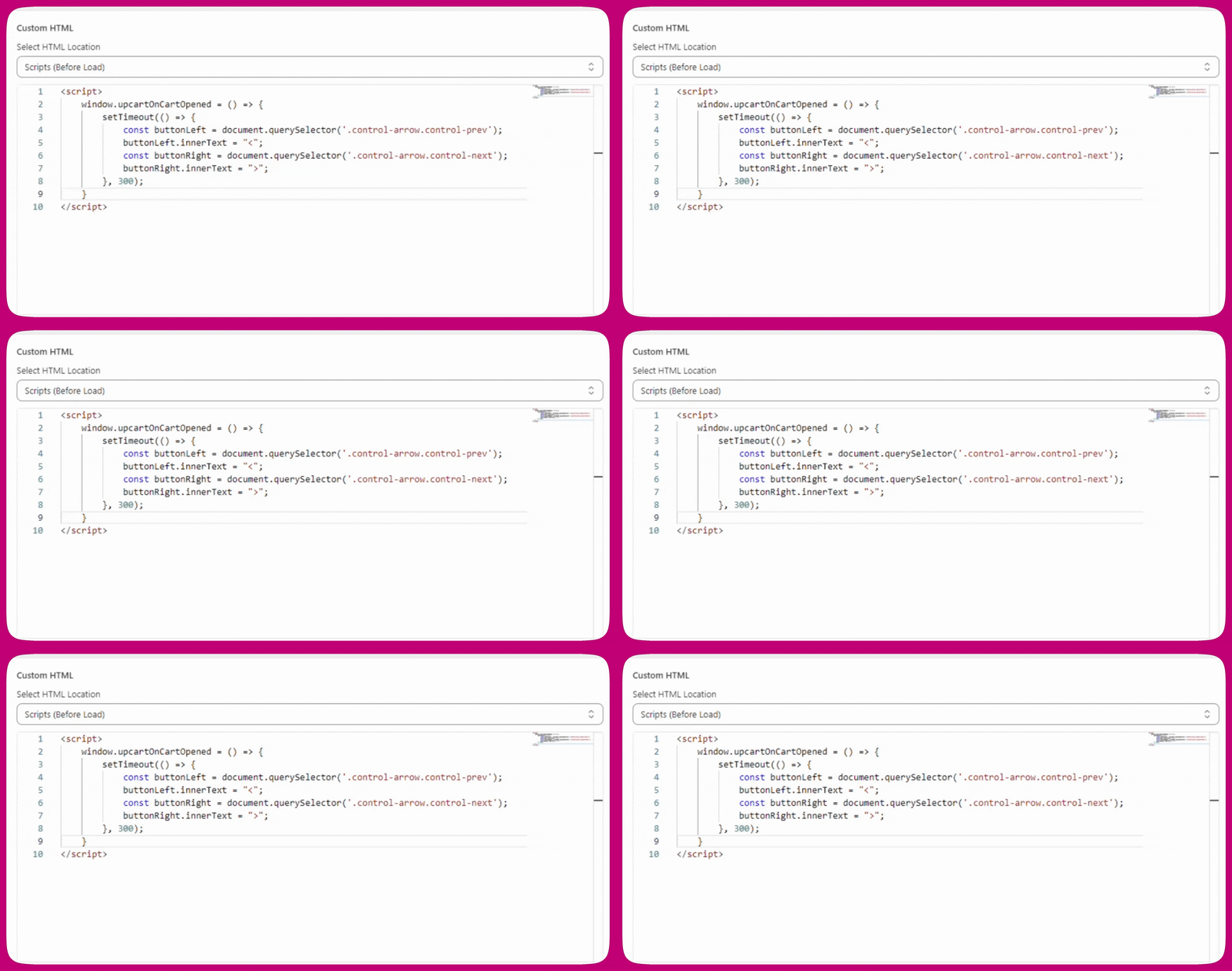
对于此修复,打开 HTML 下拉菜单并选择 **"Scripts (before load)"**,然后将以下代码粘贴到该部分:
```
```
**不要在这里直接使用 `document.querySelector`。** 在大多数商店中,Upcart 在 shadow root 内渲染(这是较新安装的默认行为),而 `document.querySelector` 无法看到 shadow root 内部——脚本将找不到任何内容,并且在没有 `if` 保护的情况下会因 `null` 报错。上方的 `host?.shadowRoot ?? document` 这一行在两种情况下都能正常工作。
**旧版说明:** `window.upcartOnCartOpened` 回调仍然可用,但已被弃用并会在控制台记录警告。所有新脚本请使用 `upcartSubscribeCartOpened`。
以下是你在 Upcart 中的自定义 HTML 设置应有的样子:
## CSS
如果轮播箭头的位置仍然有问题,请尝试应用以下 CSS 修复:
```
.carousel.carousel-slider .control-next {
right: -34px !important;
}
```
***
## 说明
我们通常使用包含在按钮内的 CSS 伪元素(`::before`)来显示轮播箭头。然而,一些商店主题会阻止伪元素的渲染,导致轮播箭头从购物车抽屉中消失。
这就造成了一个问题:upsell 轮播箭头在编辑器预览中正常显示,但在实际的已上线店面上却不显示。