> ## Documentation Index
> Fetch the complete documentation index at: https://docs.aftersell.com/llms.txt
> Use this file to discover all available pages before exploring further.
# 购物车在移动端可左右滑动
> 本文介绍如何修复导致 Upcart 内容可以左右移动的错误。
# 概述
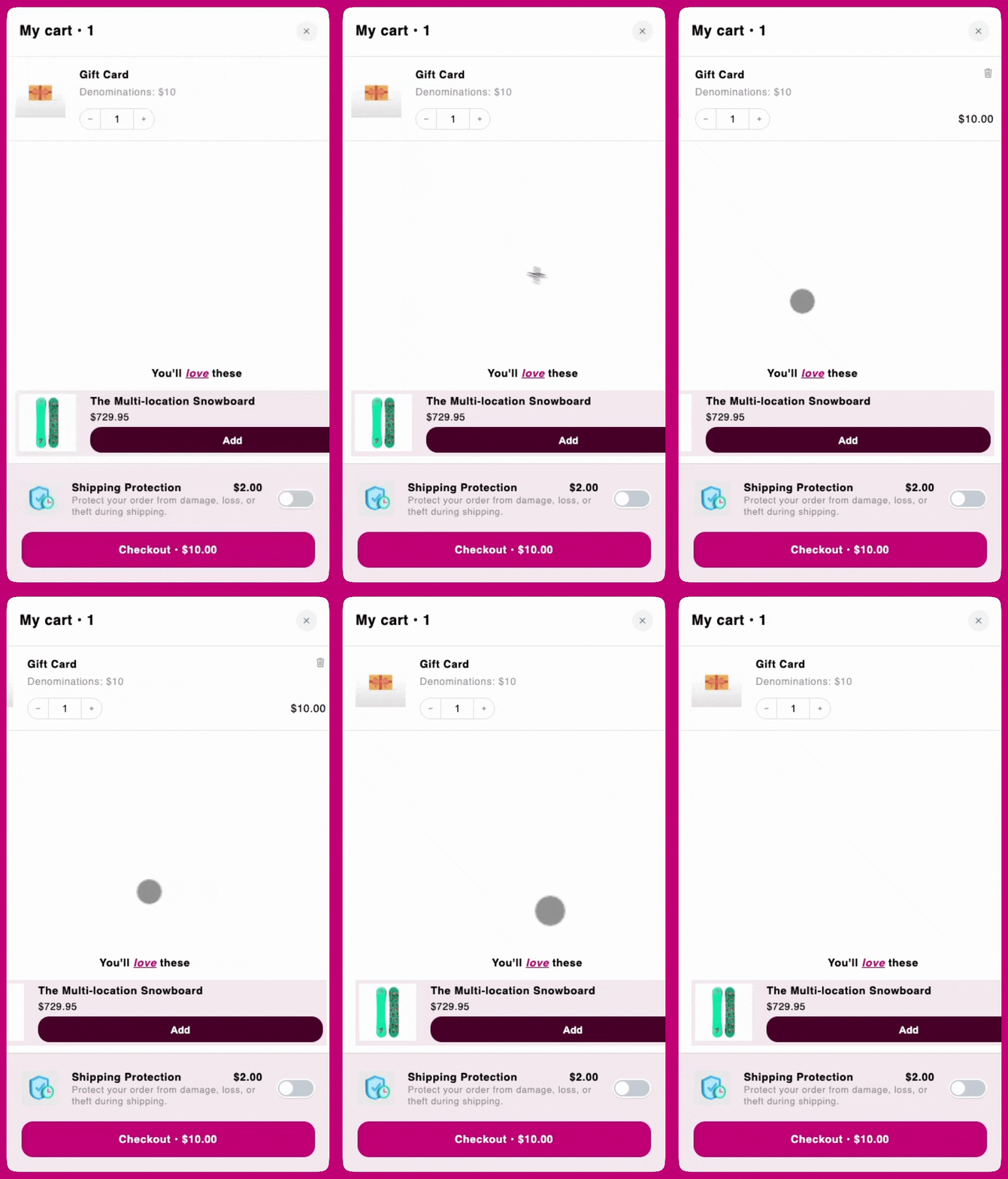
在某些移动设备上,用户可能可以水平滚动 Upcart,从而在右侧露出意料之外的空白区域。这通常发生在购物车内的某个子元素超出视口宽度或破坏了布局的自然约束时,导致水平溢出。
 ***
***
## **CSS 解决方案**
要防止此行为并让购物车保持在视口宽度范围内,只需复制以下代码并添加到以下位置:
在 Cart Editor 中,打开 **Settings** 并选择 **Custom CSS** 标签页。Settings 是一行标签页——如果看不到 Custom CSS,它位于 **More settings** 之下。
```
.upcart-cart-body
{
overflow-x: hidden !important;
}
```