> ## Documentation Index
> Fetch the complete documentation index at: https://docs.aftersell.com/llms.txt
> Use this file to discover all available pages before exploring further.

# 安装 Aftersell

> 如何在你的 Shopify 商店中安装 Aftersell

**本指南将引导你完成在 Shopify 商店中安装 Aftersell 的全过程。整个流程快捷简单，只需 2 分钟！**

<div id="step-1-shopify-app-store">
  ## 第 1 步：Shopify App Store
</div>

前往 Shopify App Store。使用顶部的搜索栏搜索“Aftersell”。在搜索结果中找到 Aftersell 并点击它。
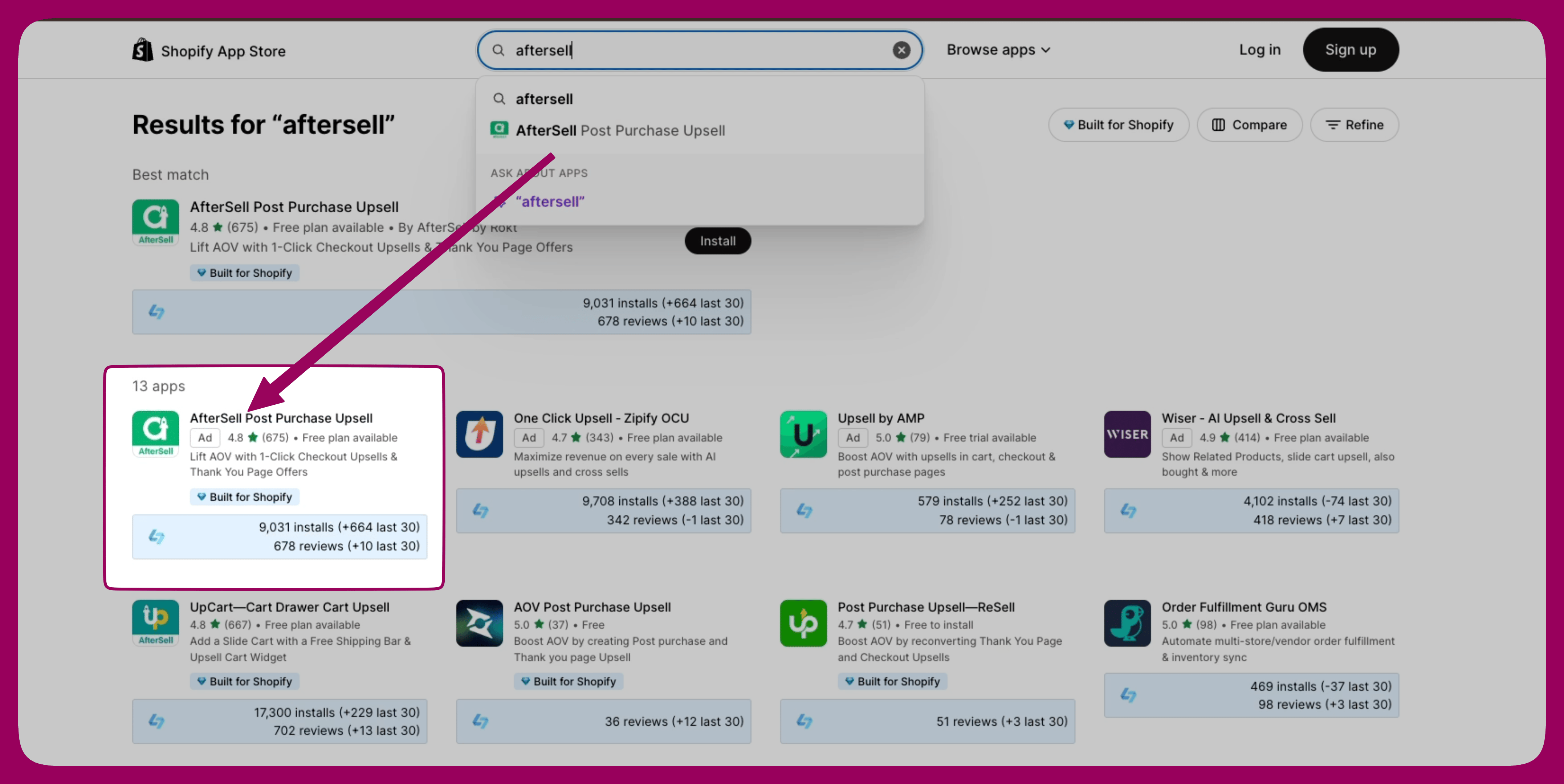
<img src="https://mintcdn.com/aftersell/1Y3gBpUfxv16VGSW/images/aftersell/install-app-store-search-results.png?fit=max&auto=format&n=1Y3gBpUfxv16VGSW&q=85&s=6e496fc255b27ca3b42342ef71334ac1" alt="Shopify App Store 搜索结果，其中 AfterSell Post Purchase Upsell 被高亮显示" width="4308" height="2160" data-path="images/aftersell/install-app-store-search-results.png" />

[Shopify App Store 上的 Aftersell](https://apps.shopify.com/aftersell)

<div id="step-2-install-aftersell">
  ## 第 2 步：安装 Aftersell
</div>

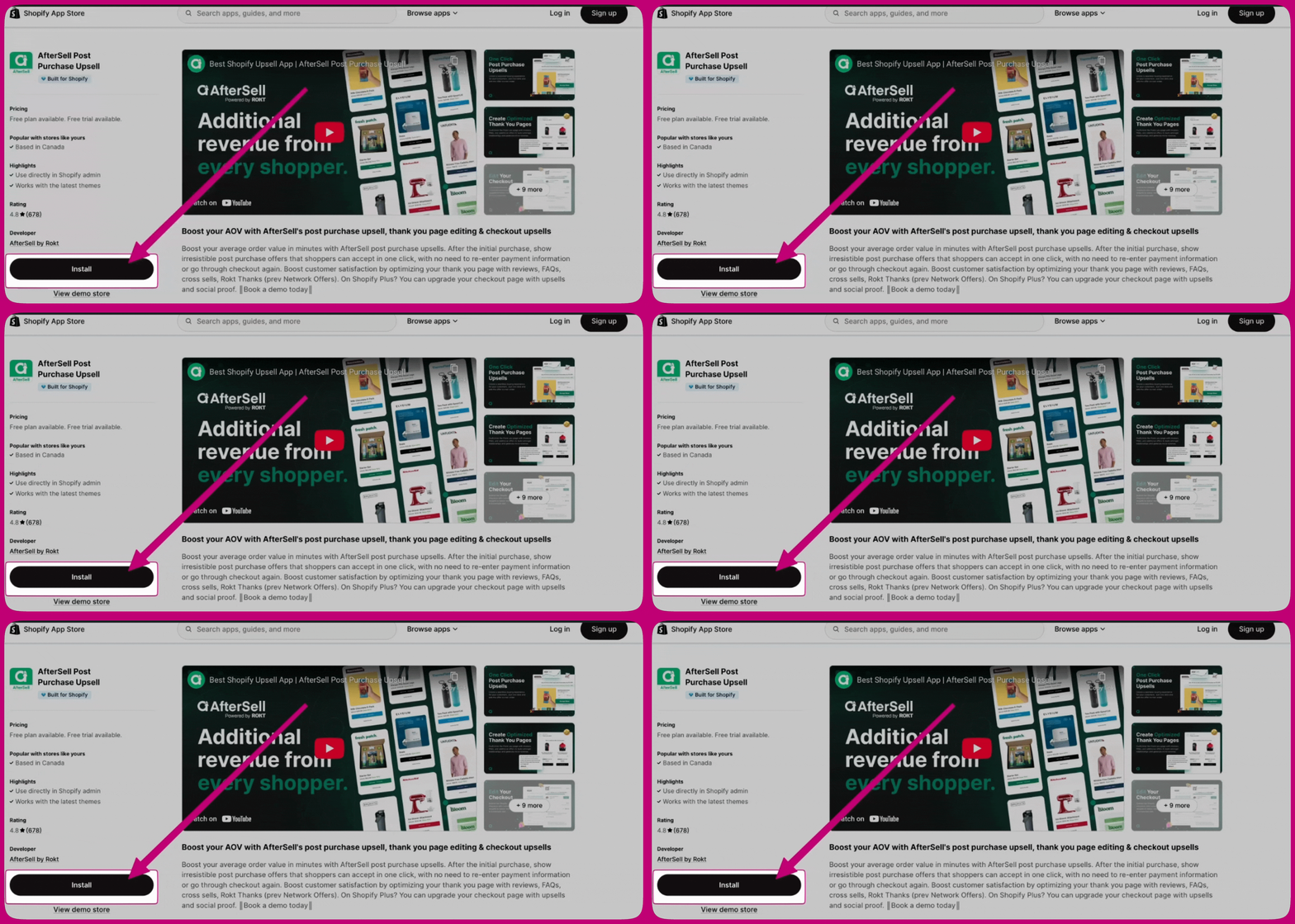
在 Aftersell 应用页面上，点击“Install”按钮。系统会将你重定向到一个页面，你可以在此查看应用所需的权限。

<img src="https://mintcdn.com/aftersell/1Y3gBpUfxv16VGSW/images/aftersell/install-app-listing-install-button.gif?s=d6f4880ed46cd9bf9f047bdb4d6c3615" alt="AfterSell 应用详情页面，箭头指向 Install 按钮" width="2268" height="1080" data-path="images/aftersell/install-app-listing-install-button.gif" />

<div id="step-3-configure-aftersell">
  ## 第 3 步：配置 Aftersell
</div>

安装成功后，系统会将你重定向到 Aftersell 控制台。按照屏幕上的提示完成初始设置，并根据你的偏好配置 Aftersell。