> ## Documentation Index
> Fetch the complete documentation index at: https://docs.aftersell.com/llms.txt
> Use this file to discover all available pages before exploring further.
# 结账自定义
> 本文概述用于配置支付方式和配送方式的可自定义操作。
结账自定义让你调整配送和支付方式,以更好地满足客户需求并提升客户的购物体验。
[支付方式](#payment-methods)
[配送方式](#delivery-methods)
[操作](#actions)
[触发条件](#trigger-condition)
## 支付方式
你可以设置支付方式自定义,在客户完成购买时向他们展示量身定制的支付选项。
## 配送方式
你可以设置配送方式自定义,在客户完成购买时向他们展示量身定制的配送选项。
***
## 操作
你可以为结账自定义设置三种操作:
1. **Rename(重命名):**
* 要重命名支付/配送方式,选择 **Add method to rename**,并选择匹配逻辑,例如"**is**"。
* 然后选择对名称的处理方式:**replace with**(替换为)、**add suffix**(添加后缀)或 **add prefix**(添加前缀)。
例如,如果支付方式标记为"bank deposit",你可以将其替换为"BD",或在保留原名的同时添加前缀或后缀。
2. **Move(移动):**
* 要对支付/配送方式重新排序,可选择 **Sort alphabetically**(按字母排序)、**Sort alphabetically (reverse)**(按字母倒序)、**Set to the top**(置顶,基于"**contains**"、"**does not contain**"或"**is not**"等条件),或选择 **Set manually** 按你自己的顺序排列。
* 配送方式还提供 **Sort by price (low to high)**(按价格从低到高)和 **Sort by price (high to low)**(按价格从高到低)。这两项不适用于支付方式。
3. **Hide(隐藏):**
* 要隐藏支付/配送方式,你可以设置以下条件:
如果方式是(If the method is)
如果方式包含(If the method contains)
如果方式不包含(If the method does not contain)
如果方式不是(If the method is not)
如果包含所有方式(If it includes all methods)
例如,你可以指定"支付方式是 bank deposit"来隐藏它。此操作确保所选支付方式不会出现在结账选项中。
配送方式自定义还允许你按**费用金额**(大于或小于某个金额)以及按**类型**/**类型不是**来隐藏。
注意:点击 **Add new action** 可以添加多个自定义。
***
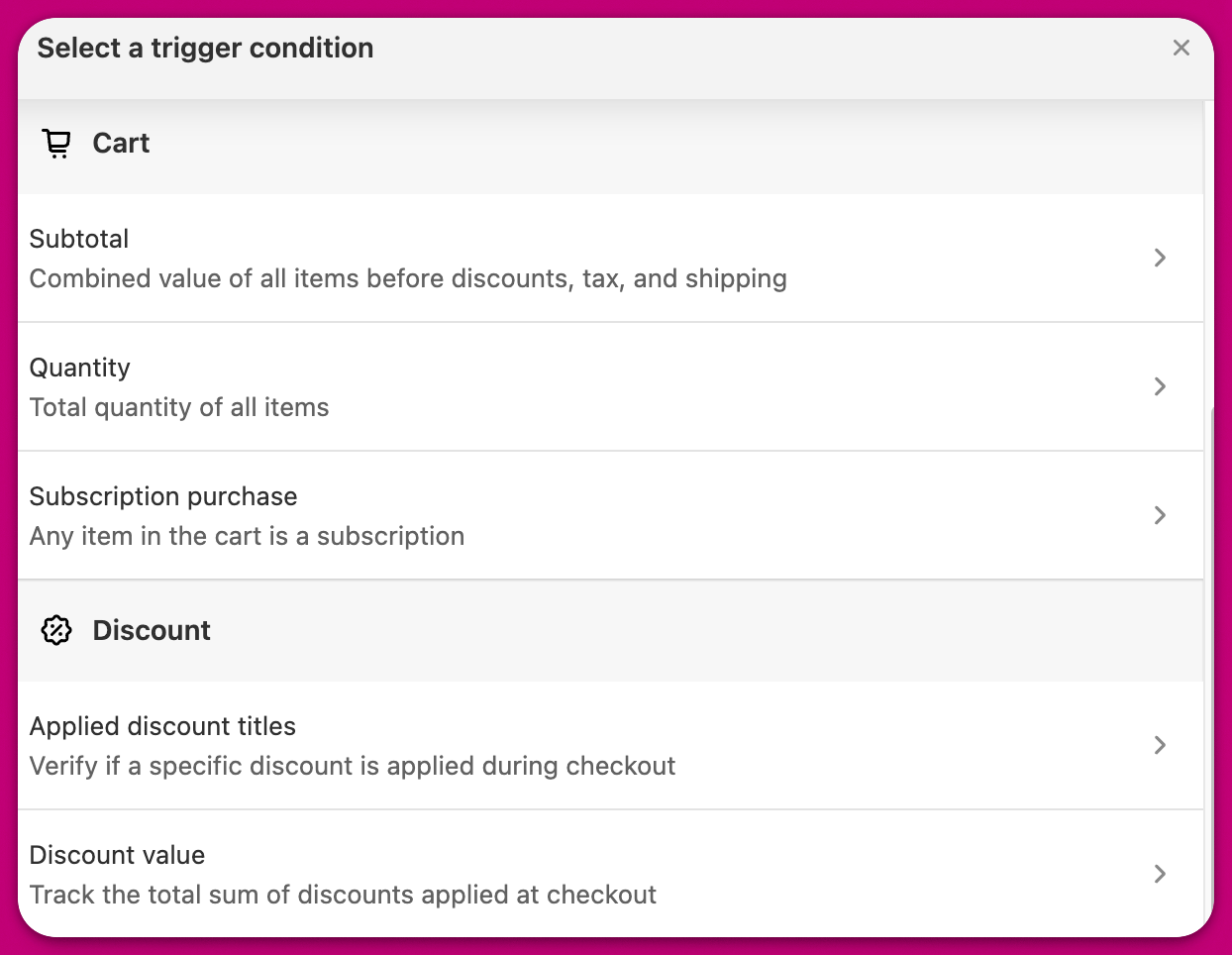
## 触发条件
你还可以定义应用这些自定义的具体触发条件: