> ## Documentation Index
> Fetch the complete documentation index at: https://docs.aftersell.com/llms.txt
> Use this file to discover all available pages before exploring further.
# Aftersell installeren
> Hoe je Aftersell op je Shopify-winkel installeert
**Deze handleiding begeleidt je door het proces van het installeren van Aftersell op je Shopify-winkel. Het is een snel en eenvoudig proces en duurt slechts 2 minuten!**
## Stap 1: Shopify App Store
Ga naar de Shopify App Store. Gebruik de zoekbalk bovenaan om te zoeken naar "Aftersell". Zoek Aftersell in de zoekresultaten en klik erop.
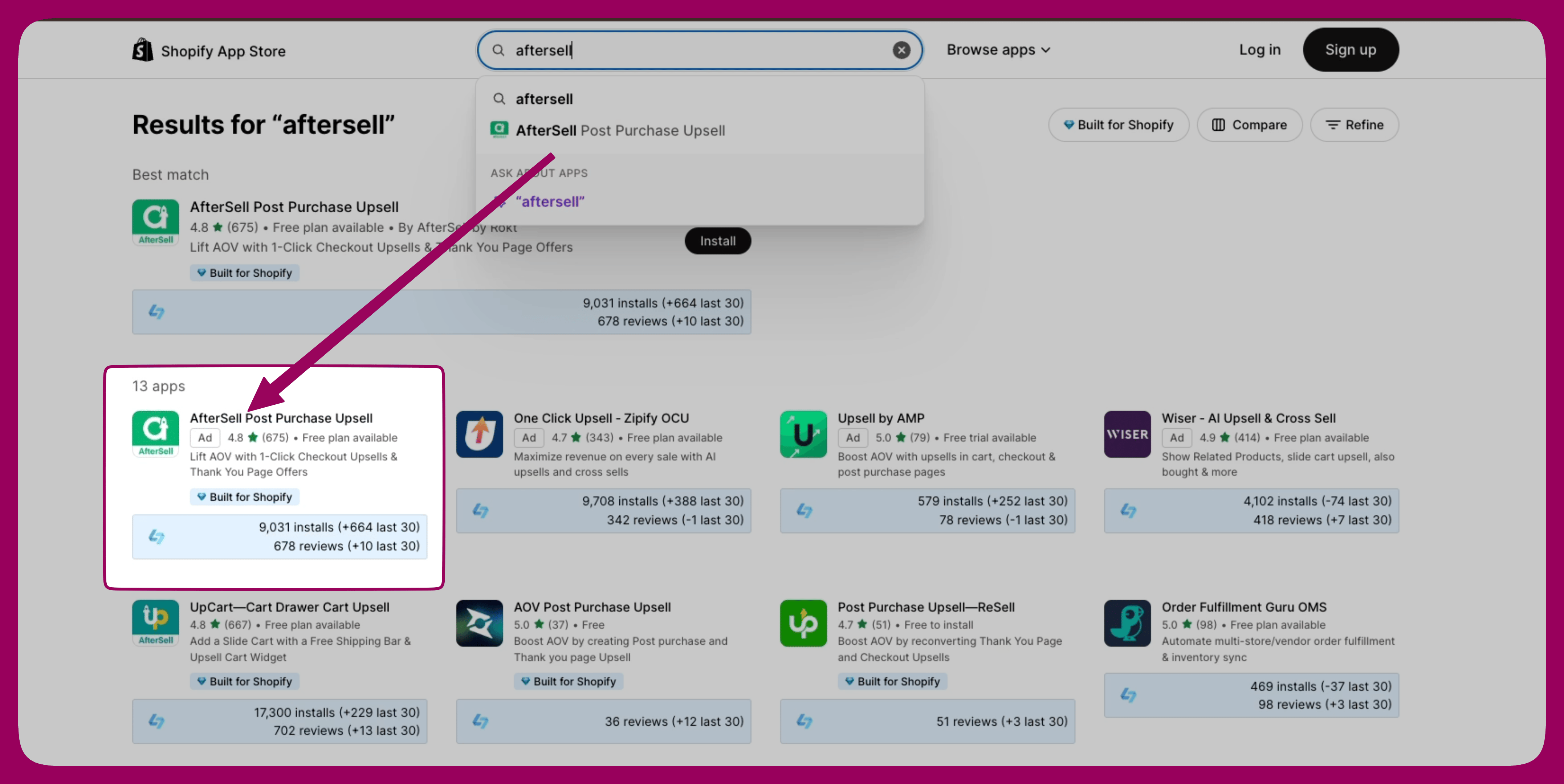 [Aftersell in de Shopify App Store](https://apps.shopify.com/aftersell)
## Stap 2: Aftersell installeren
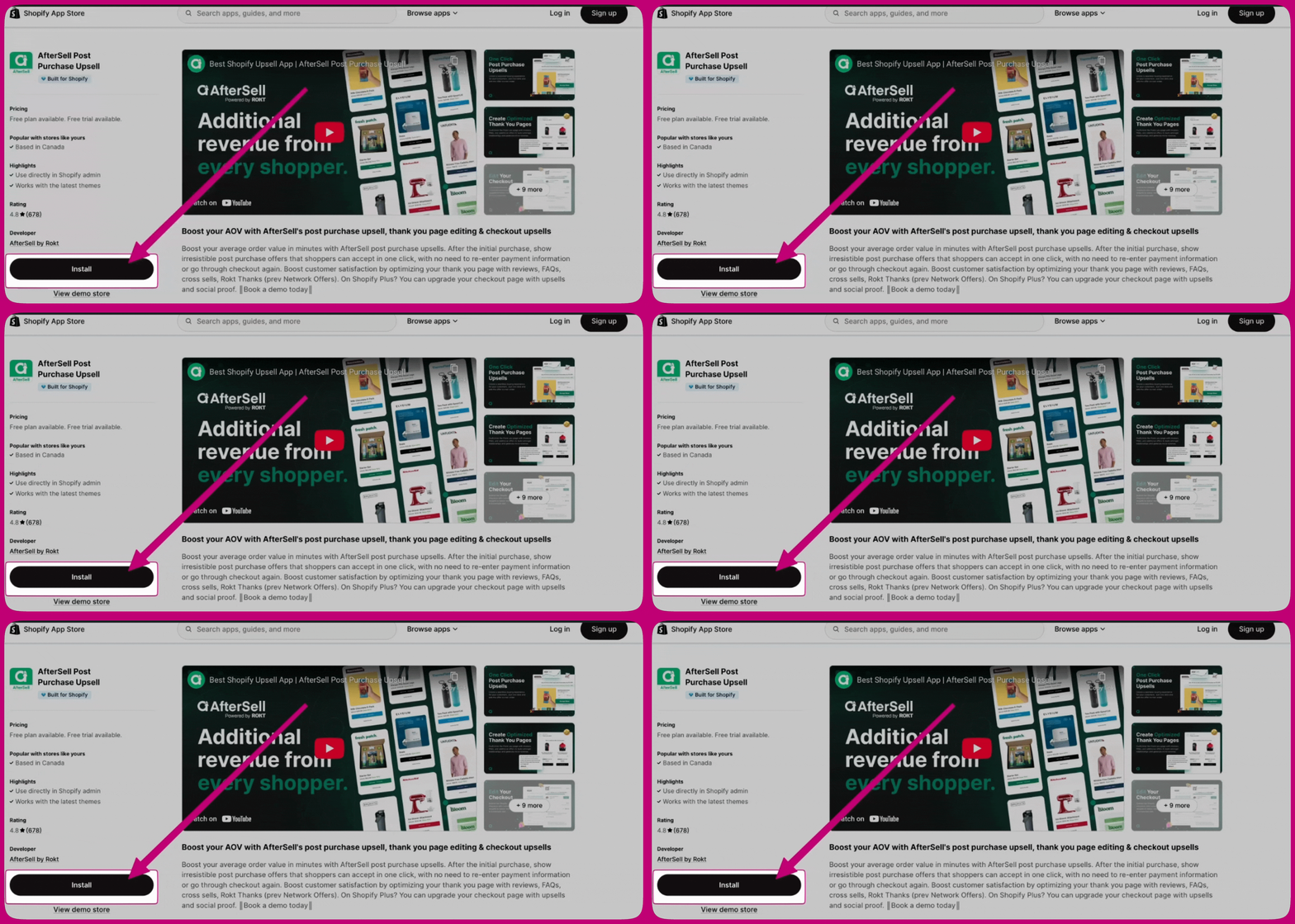
Klik op de app-pagina van Aftersell op de knop "Install". Je wordt doorgestuurd naar een pagina waar je de machtigingen kunt bekijken die de app nodig heeft.
## Stap 3: Aftersell configureren
Na een succesvolle installatie word je doorgestuurd naar het Aftersell-dashboard. Volg de aanwijzingen op het scherm om de eerste installatie te voltooien en Aftersell naar wens te configureren.