> ## Documentation Index
> Fetch the complete documentation index at: https://docs.aftersell.com/llms.txt
> Use this file to discover all available pages before exploring further.
# Upcart 업셀 모듈 V1.0에서 누락된 캐러셀 화살표 수정하기
> 이 문서에서는 편집기 미리보기에는 나타나지만 라이브 스토어프론트에서 누락되는 캐러셀 화살표를 수정하는 방법을 설명해요.
# 개요
Upcart 업셀 모듈에서 캐러셀 화살표가 누락되는 문제를 겪고 있다면, 보통 스토어 테마와의 호환성 문제 때문이에요.
이를 해결하려면 Upcart 편집기 설정에서 커스텀 HTML을 사용한 커스터마이징을 적용하여 화살표를 수동으로 추가할 수 있어요.
**Upcart에서 커스텀 코드 필드에 접근하려면:**
**Cart Editor** > **Settings**, 그다음 **Custom HTML** 및 **Custom CSS** 탭이에요. Settings는 탭이 나열된 행이에요 — 들어가지 못하는 항목은 **More settings** 뒤에 있어요.
***
## HTML
이 수정을 위해 HTML 드롭다운 메뉴를 열고 \*\*"Scripts (before load)"\*\*를 선택한 다음, 해당 섹션에 다음 코드를 붙여넣으세요:
```
```
**여기서 `document.querySelector`를 단독으로 사용하지 마세요.** 대부분의 스토어에서 Upcart는 shadow root 안에 렌더링되며(최신 설치의 기본값이에요), `document.querySelector`는 그 안을 볼 수 없어요 — 스크립트가 아무것도 찾지 못하고 `if` 가드가 없으면 `null`에서 오류가 발생해요. 위의 `host?.shadowRoot ?? document` 줄은 어느 경우에나 작동해요.
**레거시 참고:** `window.upcartOnCartOpened` 콜백은 여전히 작동하지만 지원 중단(deprecated)되었으며 콘솔 경고를 기록해요. 새 스크립트에는 모두 `upcartSubscribeCartOpened`를 사용하세요.
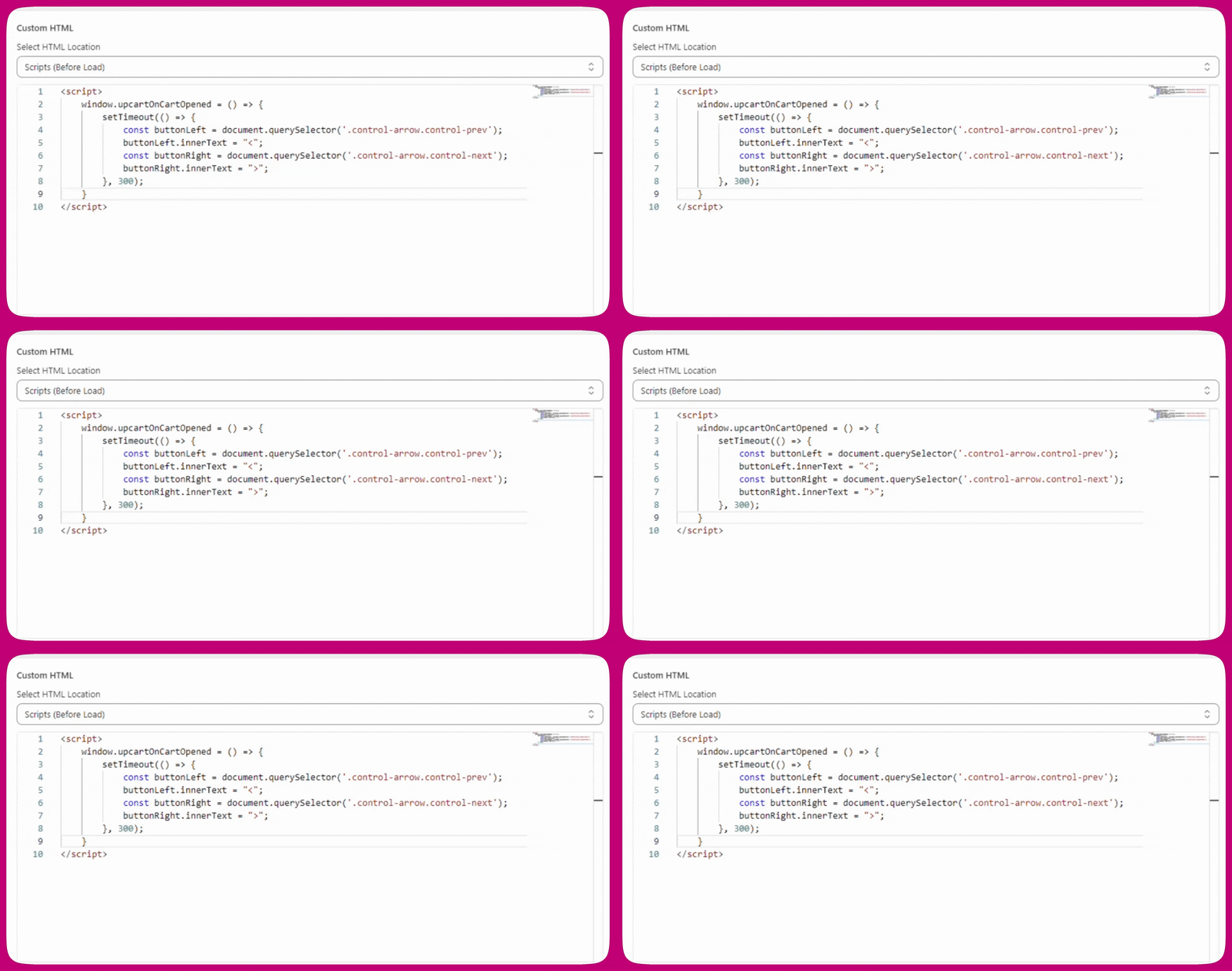
Upcart에서 커스텀 HTML 설정이 어떻게 보여야 하는지는 다음과 같아요:
## CSS
캐러셀 화살표의 위치에 여전히 문제가 있다면 다음 CSS 수정을 적용해 보세요:
```
.carousel.carousel-slider .control-next {
right: -34px !important;
}
```
***
## 설명
캐러셀 화살표를 표시하기 위해 버튼 안에 포함된 CSS 가상 요소(`::before`)를 자주 사용해요. 하지만 일부 스토어 테마는 가상 요소의 렌더링을 차단하기 때문에 카트 드로어에서 캐러셀 화살표가 사라지게 돼요.
이로 인해 업셀 캐러셀 화살표가 편집기 미리보기에서는 올바르게 나타나지만 실제 라이브 스토어프론트에서는 나타나지 않는 문제가 발생해요.