> ## Documentation Index
> Fetch the complete documentation index at: https://docs.aftersell.com/llms.txt
> Use this file to discover all available pages before exploring further.
# モバイルでカートが左右にスクロールできてしまう
> この記事では、Upcartのコンテンツが左右に動いてしまうバグを修正する方法を説明します。
# 概要
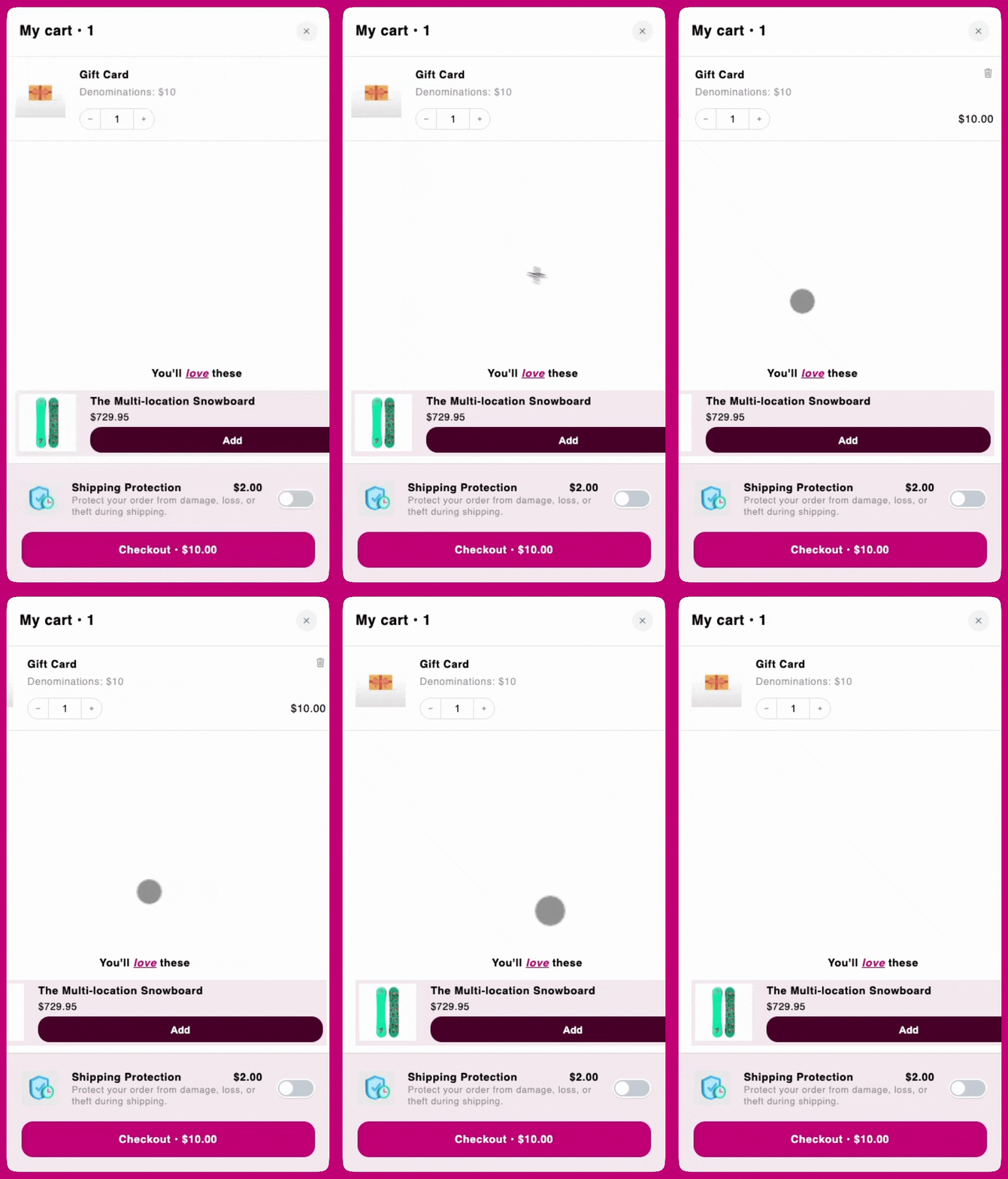
特定のモバイルデバイスでは、ユーザーがUpcartを水平方向にスクロールでき、右側に意図しない余白が表示されてしまうことがあります。これは通常、カート内の子要素がビューポートの幅を超えたり、レイアウトの自然な制約を乱したりして、水平方向のオーバーフローが発生する場合に起こります。
 ***
***
## **CSSによる解決策**
この動作を防ぎ、カートをビューポート幅内に収めるには、以下のコードをコピーして次の場所に追加するだけです。
Cart Editorで **Settings** を開き、**Custom CSS** タブを選択します。Settingsはタブの列になっています。Custom CSSが表示されない場合は、**More settings** の中にあります。
```
.upcart-cart-body
{
overflow-x: hidden !important;
}
```